
Edit & Replace Text in Images
The ultimate free online tool to replace text in images while keeping the same font — lossless, pixel-perfect, no Photoshop needed.
Workspace
Click to Upload or Drag & Drop
Supports JPG, PNG (Max 8MB)
Tips
The AI analyzes this text to "learn" the font style.
- You can add multiple text changes, spend 1 credit only total.
- Fix it below if origin text is wrong (e.g. 'He11o' → 'Hello')
- Do NOT change it if origin text is right
OCR can be wrong. Ensure this matches the text in the image exactly for best removal results.
See the case
Seamlessly edit any text on an image, seamlessly integrating it with the original.
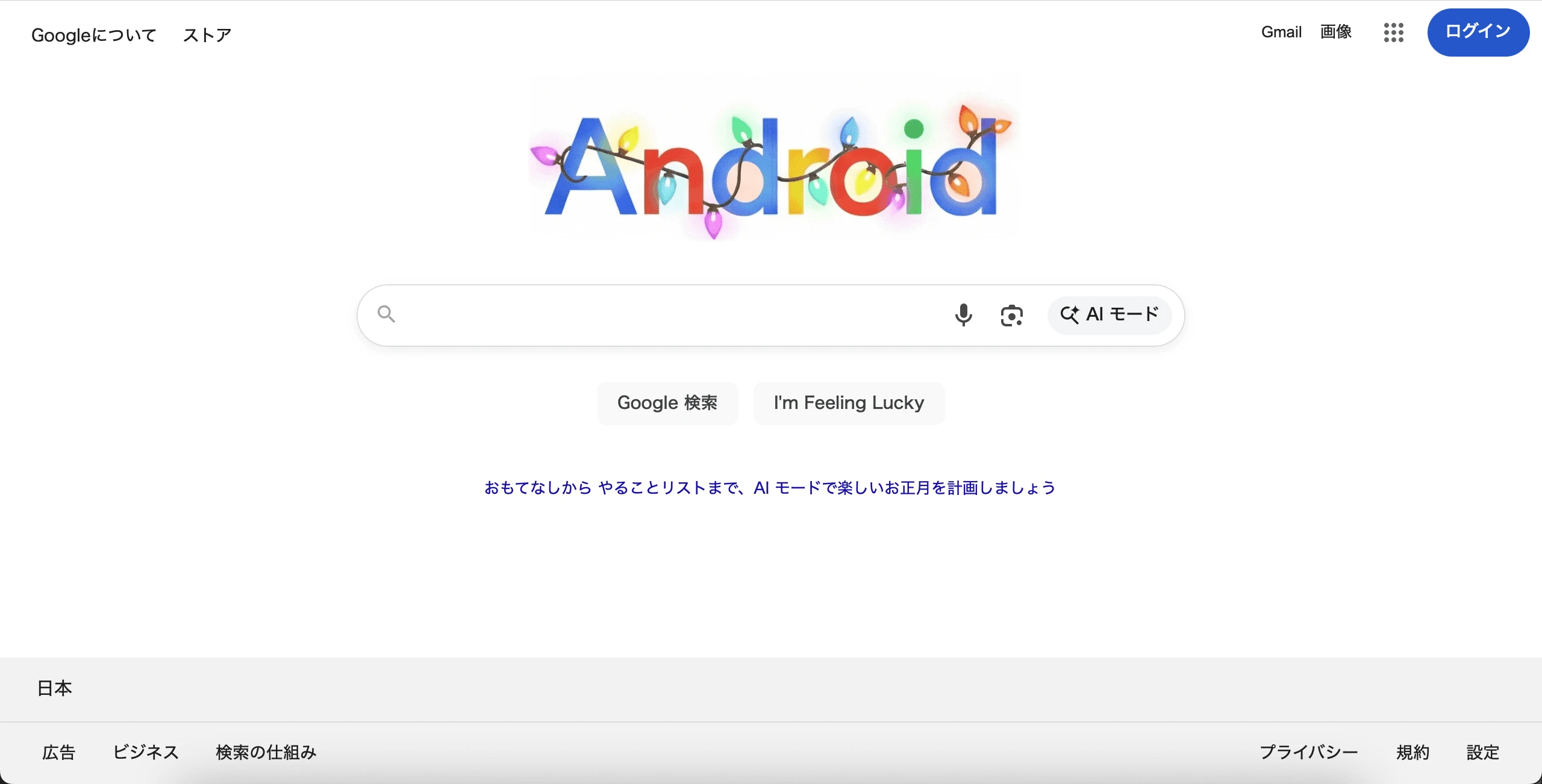
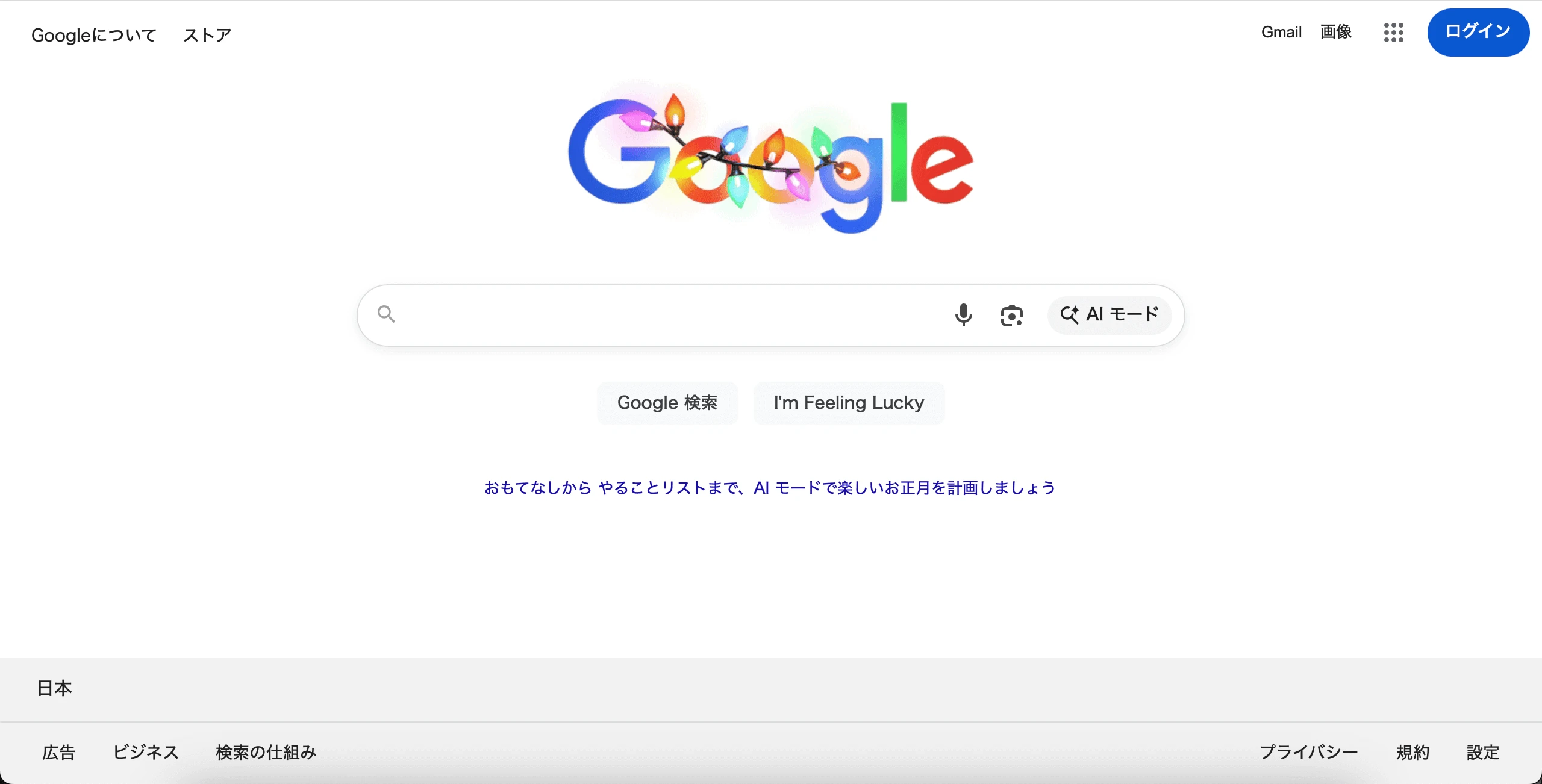
Workspace
Click to Upload or Drag & Drop
Supports JPG, PNG (Max 8MB)
Processing...
Not Just Overlays. A Real AI Image Text Editor
Most tools just add text layers on top. ReWords.AI actually modifies the image pixels for a realistic look.
| Feature | ReWords.AI | Canva / PS Express |
|---|---|---|
| Edit Existing Text | Yes (AI In-painting) | No (Overlay only) |
| Match Original Font | Auto-detects & Matches | Manual Selection |
| Best For | Translation, Correction, Mockups | Social Media Design |
Modify Text in Screenshots or any images
Need to update a figure in a report or correct a typo in a chat screenshot? Our tool works perfectly as a screenshot text editor. It analyzes the background noise and recreates it, making your edits indistinguishable from the original.
- Update dates on invoices or receipts.
- Change names in social media captures.
- Fix typos in web UI mockups.
API for Developers?
Looking to integrate our Edit Text in Image API?
It is currently in Beta Development and is basically ready for production use.
If you have integration needs, please contact us at:
[email protected]Edit Text in Any Image
Whatever you need to change — screenshots, memes, posters, documents — ReWords.AI replaces the text while keeping the original font, color, and background.
What is ReWords.AI?
ReWords.AI is an online AI tool to edit text in image files while keeping the same font. Instead of layering new text on top like a basic editor, it regenerates the selected area pixel by pixel — matching the original font, weight, color, shadow, and background — so the edit looks like it was always there. You can replace text in images, change text in photos, or remove text entirely, right in your browser. No Photoshop, no design skills, and no software to install.
Upload a PNG, JPG, or WebP, draw a box around the words you want to change, type the replacement, and click generate. Most edits finish in under a minute. ReWords.AI works on desktop and mobile, supports 40+ languages, and gives new users free credits to try it.
Edit text in images for every scenario
From a quick typo fix to full localization, here is what people use ReWords.AI for.
Screenshots & chats
Fix a typo, update a number, or redact a detail in a screenshot without re-taking it. The AI rebuilds the text so it looks native to the capture.
Posters & flyers
Change dates, prices, or headlines on a finished design. No source file, no fonts to hunt down — edit text in image directly.
Product & e-commerce photos
Update labels or pricing on promo banners and localize packaging text for new markets, without a new photoshoot.
Memes & social graphics
Swap captions on meme templates or restyle social posts. Edit text in image files for Instagram, TikTok, and YouTube in seconds.
Documents & scans
Correct scanned paperwork or update outdated wording while keeping the original typeface and layout intact.
AI-generated images
Most AI image generators garble text. Use ReWords.AI to fix misspelled or distorted words in AI art.
Why edit text in image with AI instead of Photoshop?
Traditional editors make you find the exact font, recreate the background behind the old text, and match lighting by hand — slow, and easy to get wrong. ReWords.AI does all of that automatically. Because it analyzes the surrounding pixels and typography, the new text inherits the same style, so results look professionally edited without any manual masking or layer work. It is the fastest way to edit text in image files when you do not have the original design.
Learn how to edit text in images efficiently.
Simply upload your image to ReWords.AI. Our OCR will detect the text blocks. Click on the text you want to change, type the new words, and our AI will replace the text while matching the original font and background style.
Yes. Unlike traditional editors, ReWords is an AI-powered image text editor that automatically analyzes and replicates the font size, color, and style of the original text.
ReWords offers a free trial for new users to edit text in photos. For bulk processing and high-resolution downloads, we offer affordable "Pay As You Go" plans.
Your privacy is strictly protected. Images are processed temporarily solely to generate your results. We never use your photos for AI training, nor do we share them with third parties. All files are securely retained for a brief period to facilitate your downloads, after which they are automatically and permanently deleted.
Yes — this is what sets ReWords.AI apart. Our AI analyzes the original font, size, color, and even the background texture, then generates new text that blends in seamlessly. The result is pixel-perfect and lossless, as if the text was never changed.
Absolutely. ReWords.AI handles handwriting, curved text, textured backgrounds, and even noisy screenshots. The AI in-painting engine reconstructs the background behind the text, so your edits look natural regardless of the image complexity.
Photoshop requires manual work — you need to erase text, repaint the background, and find a matching font yourself. Canva only adds text overlays on top. ReWords.AI actually replaces the original text at the pixel level, automatically matching fonts and restoring the background. No design skills needed.
Yes. New users get free credits to try the full experience — no credit card required. Upload an image, replace any text, and download the result. If you need more, we offer affordable pay-as-you-go plans.